CarCareTruth Score
Decent.
Opens Amazon in a new tab. No account needed to look.
Saved to your guest loadout. Sign up to also save to your Cabinet (consumables) or Kit (tools you own).
As an Amazon Associate I earn from qualifying purchases. Full disclosure
Prices may varyThis product ranks #6 of 28 in Dash Cam.Three above it ↓
Last reviewed August 13, 2026
TL;DR Community footage comparisons on DashCamTalk confirm solid daytime capture at the 67W's 1440p resolution with the 180-degree lens; license plate legibility at highway following distance is mixed due to edge distortion. Night vision is adequate under streetlighting but below dual-STARVIS-2 benchmarks; no independent low-ambient footage comparison is available. Trigger-only parking mode (impact detection, no motion detection) is functional; hardwire cable is sold separately. Lithium-ion energy storage. FCC-only; no UL/ETL electrical safety certification.
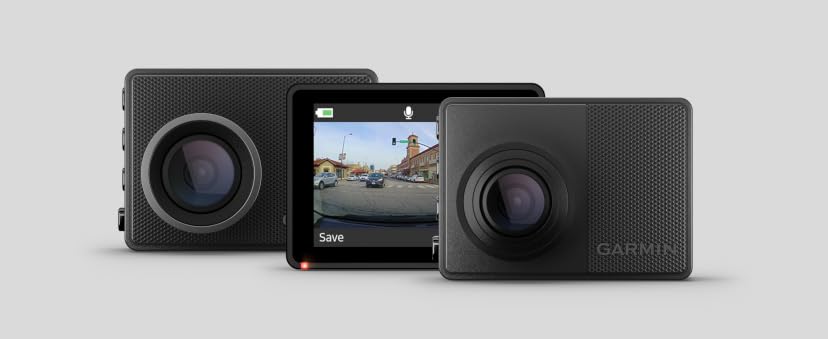
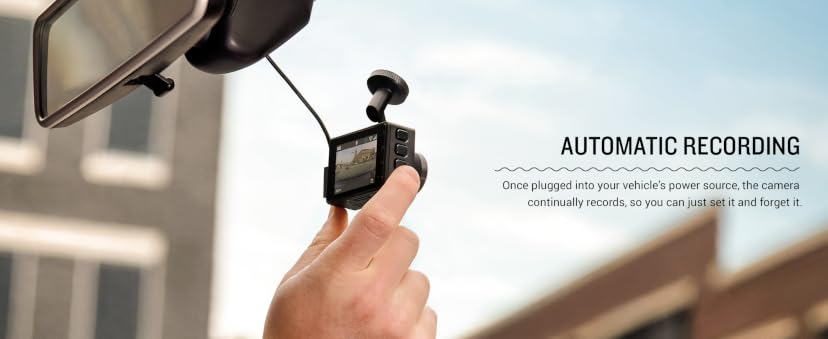
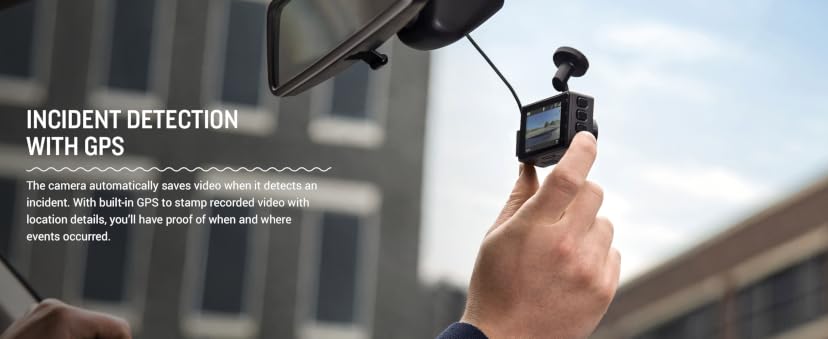
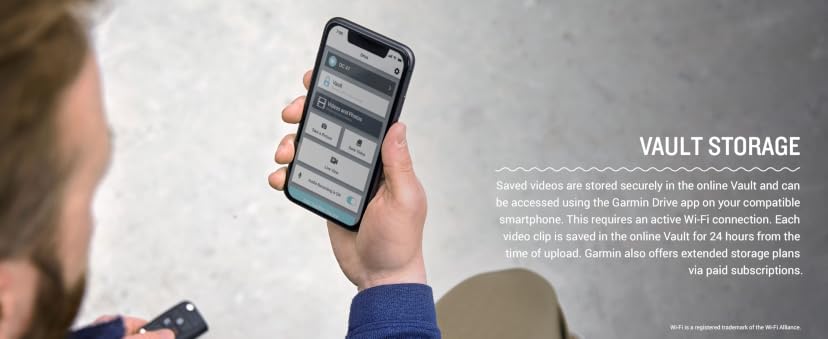
The 67W is a front-only 1440p dash cam with a 180-degree wide-angle lens and Garmin Clarity HDR, aimed at owners who want set-it-and-forget-it reliability from a US brand with a long firmware support track record. The magnetic quick-release mount is the ergonomic standout: the camera snaps on and off the windshield mount in seconds, with no adhesive residue, which makes daily removal at a destination genuinely practical. DashCamTalk community threads confirm 3+ years of reliable loop recording for Garmin units in this class, with no widespread file-corruption pattern. The 180-degree FOV captures cross-traffic and adjacent lanes that a standard 140-degree lens misses, but the wide angle introduces edge distortion that affects plate legibility at highway following distance in some community reports. Parking mode is trigger-only impact detection; motion detection was removed from this generation relative to prior Garmin models. A separately purchased constant-power cable is required to enable parking mode. The Garmin Drive app is functional on current iOS and Android and includes live traffic alerts, but Vault cloud storage requires a paid subscription.
Owners who want a reliable front cam from a proven US brand with a long firmware support lifecycle and who remove their camera at the destination regularly will get real value from the magnetic mount. Skip it if parking-lot hit-and-run protection is a priority: trigger-only impact detection with no motion detection misses most parked-car incidents, and the hardwire kit is an additional purchase. A buffered-parking-mode camera with a supercapacitor design handles that use case without the extra accessory cost.
No chemical exposure risk from installation or use. The camera carries a California Prop 65 warning for lead and phthalates in the housing and cables; this is a standard electronics compliance disclosure. The lithium-ion buffer battery qualifies for Best Buy or municipal e-waste drop-off at end of life; no Garmin take-back program is documented. No independent electrical safety certification beyond FCC radio emissions compliance.
It has impact detection for parking mode, which triggers recording when the vehicle is bumped. There is no motion detection (which would capture movement near the car without contact). Parking mode requires a separately purchased constant-power cable; the included cigarette-lighter adapter powers off when you exit the vehicle.
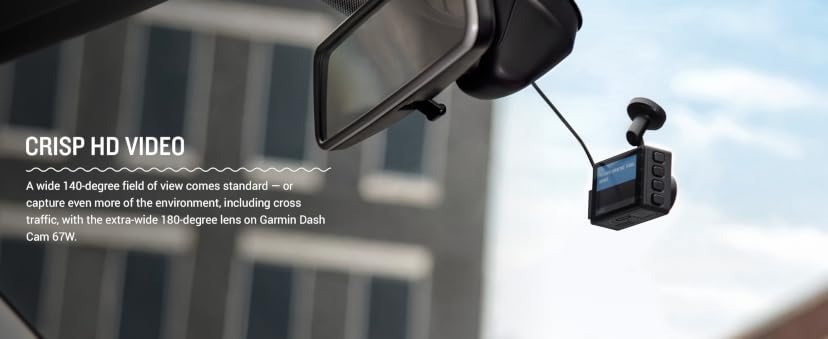
The 67W uses a 180-degree wide-angle lens, one of the widest in the category. This captures adjacent lanes and roadside environment that a standard 140-degree lens misses, though footage from the extreme edges of the frame shows natural fisheye distortion that can reduce license-plate legibility at distance.
Yes, the 67W includes a 16GB microSD card. The camera supports cards up to 512GB. If you plan to use parking mode with a constant-power cable or want extended loop recording, a higher-capacity card is worth considering.
The Amazon listing for Garmin Dash Cam 67W carries a California Prop 65 warning. California requires this warning on a very wide range of manufactured goods — including electronics with wiring, solder joints, or plastic/metal housings — whenever trace exposure to any of roughly 900 listed substances (commonly phthalates or heavy metals) is possible, regardless of whether the specific product poses a meaningful health risk. As a passive electronics product, Garmin Dash Cam 67W has no Safety Data Sheet, so there's no chemistry breakdown to translate beyond that.
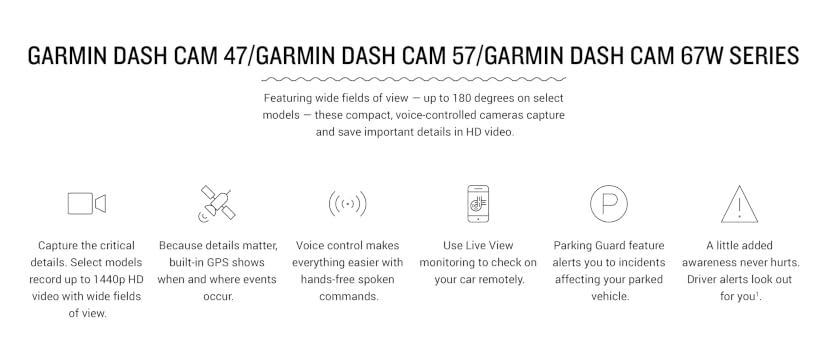
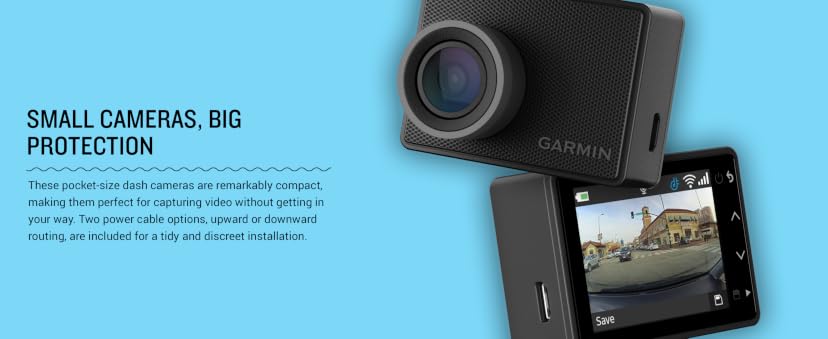
Marketing copy from Garmin, via Amazon. Not editorial.
Weekly pick
One product, one safety verdict, every week. No spam.




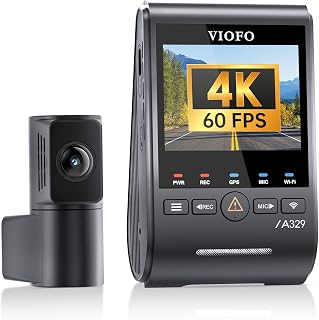
VIOFO
A329S 4K 60FPS Dash Cam Front and Rear
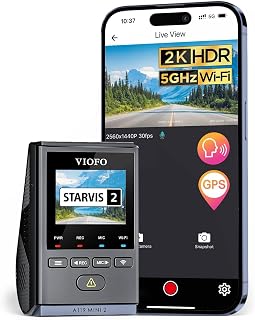
VIOFO
Dash Cam A119 Mini 2

VIOFO
A229 Pro 4K HDR Dash Cam
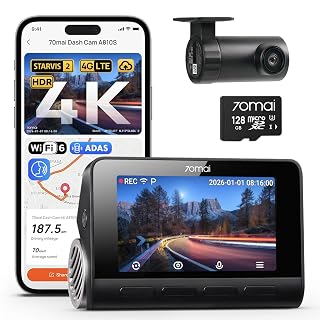
70mai
4K Dash Cam A810S
As an Amazon Associate I earn from qualifying purchases. Full disclosure

Community
0 postsShare how you use this product
Drop a quick comment or post a full review with photos and a star rating.
Sign in to postNew here? Create a free account.